WORKFLOW AUTOMATION
Workflow automation — one click, hundreds of images
Chain tools into reusable pipelines. Remove background, enhance, generate shadows, resize, and export — saved as a one-click workflow. Run it on a single image or hundreds at once.
BEFORE → AFTER — 4 STEPS, ONE CLICK
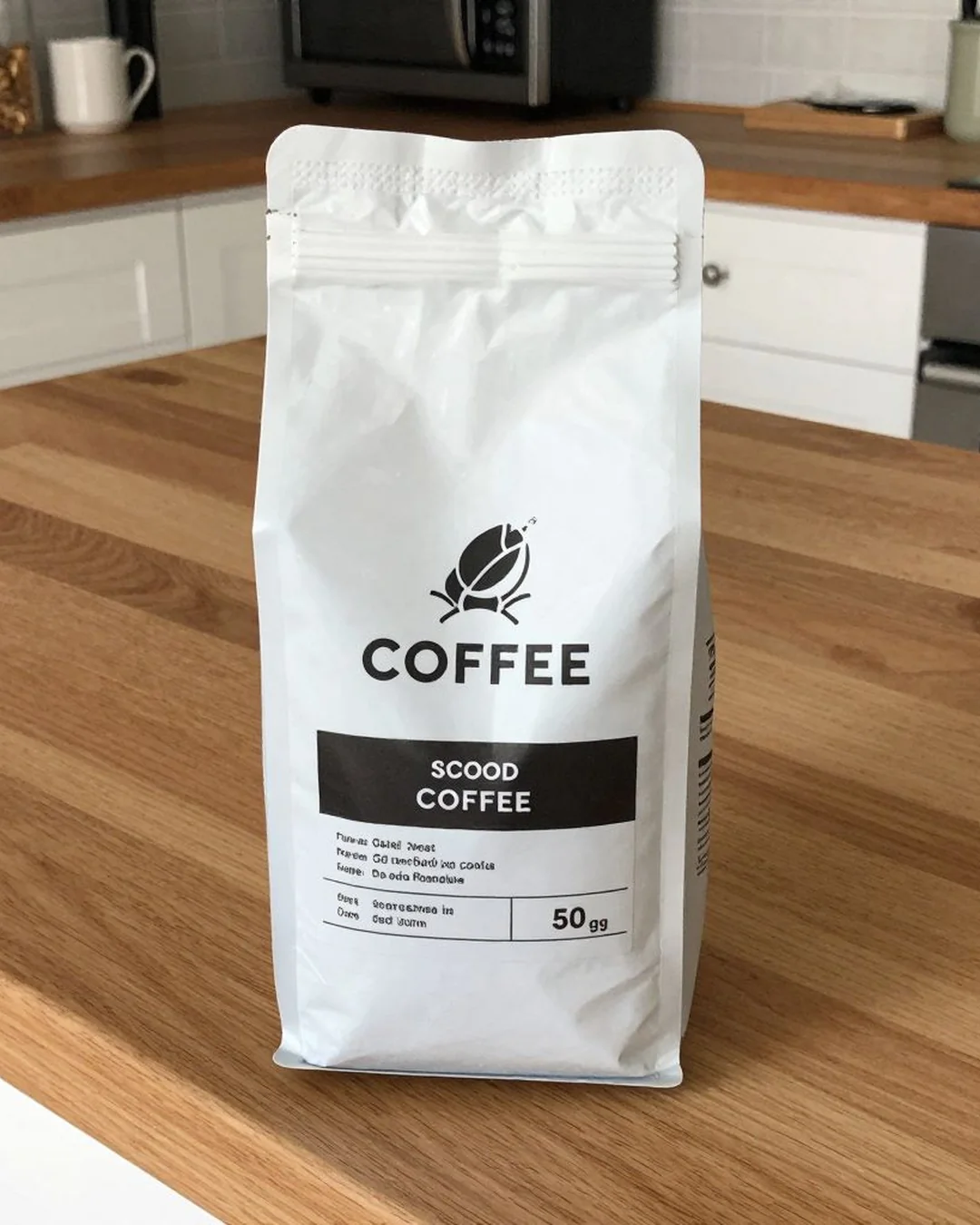
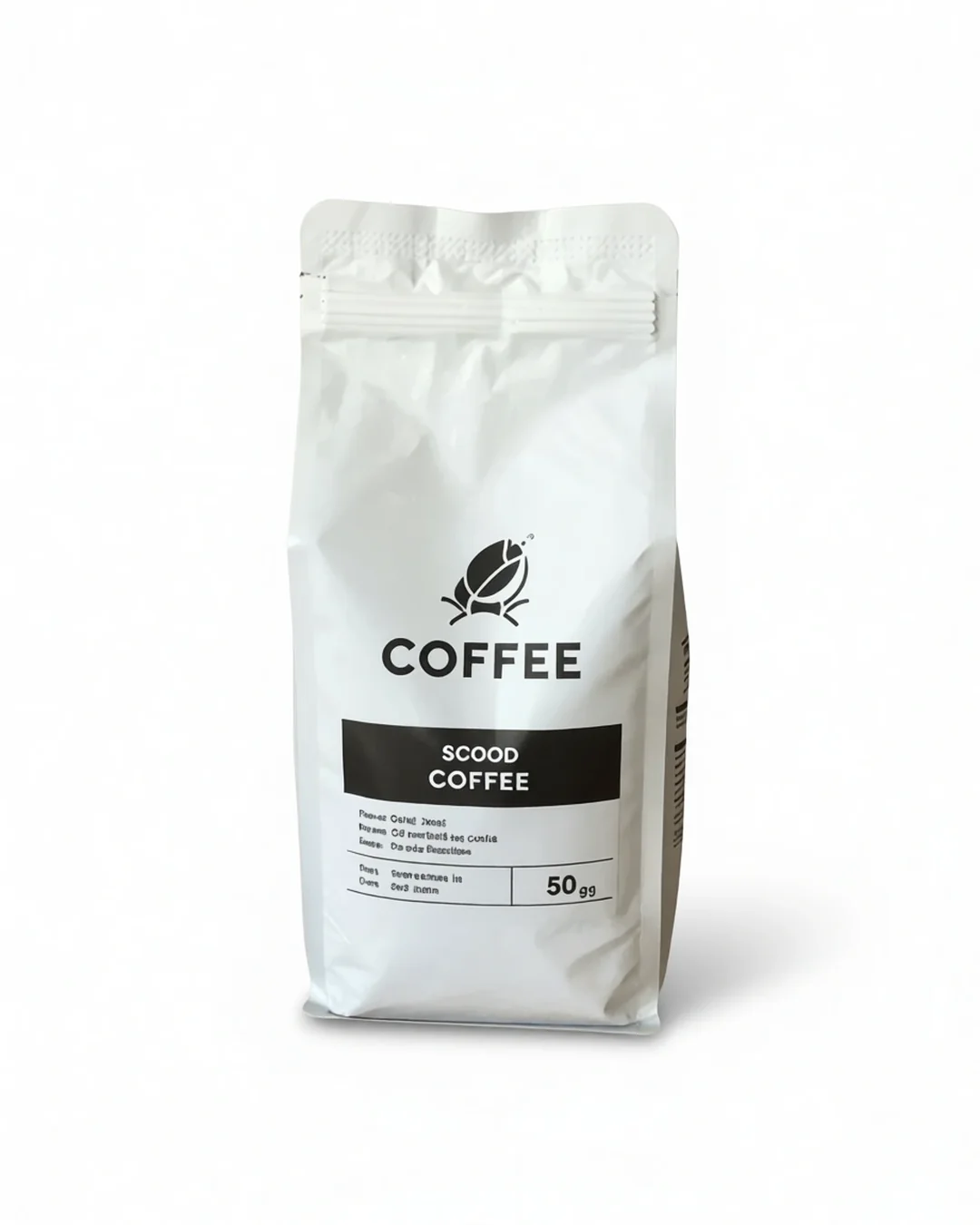
How it works — Amazon Listing pipeline
1
Remove background
→
2
White background
→
3
Enhance
→
4
Resize to 2000×2000
→
Export ✓
Build pipelines from any combination of tools — remove background, enhance, stage, resize, export
Save workflows by name: 'Amazon Listing', 'Instagram Shop', 'Transparent PNG'
Run one image or hundreds in a single batch — every step applies automatically
Each step feeds the next — no manual handoff between tools
Built-in workflows
Amazon Listing
PRODUCT
Remove background → White BG → Enhance → Resize → Export
4 steps · 12 credits
Instagram Shop
PRODUCT
Remove background → Staging → Enhance → Square crop → Export
4 steps · 14 credits
Shopify Product
PRODUCT
Declutter → Enhance → White BG → Resize → Export
4 steps · 11 credits
Transparent PNG
PRODUCT
Remove background → Clean edges → Export transparent PNG
2 steps · 7 credits
Fashion Lookbook
FASHION
Remove background → Ghost mannequin → Staging → Export
3 steps · 13 credits
LinkedIn Banner
MARKETING
Remove background → AI scene → Resize 1200×627 → Export
3 steps · 10 credits