Model Pool
Your models, reusable on every run
The Model Pool is a set of fashion-model references you keep in your Brand Kit and pick from on any on-model run — so the same face carries across your whole catalog instead of a new stranger every generation. Start from our shared starter pool, or add your own.
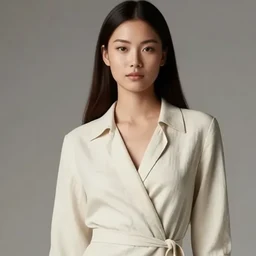
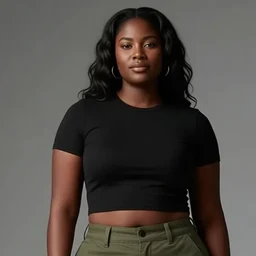
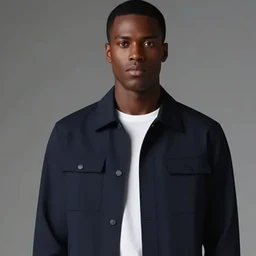
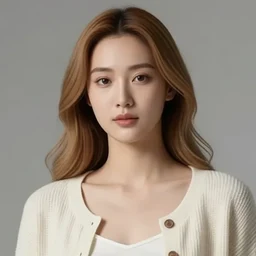
Pick from your model pool
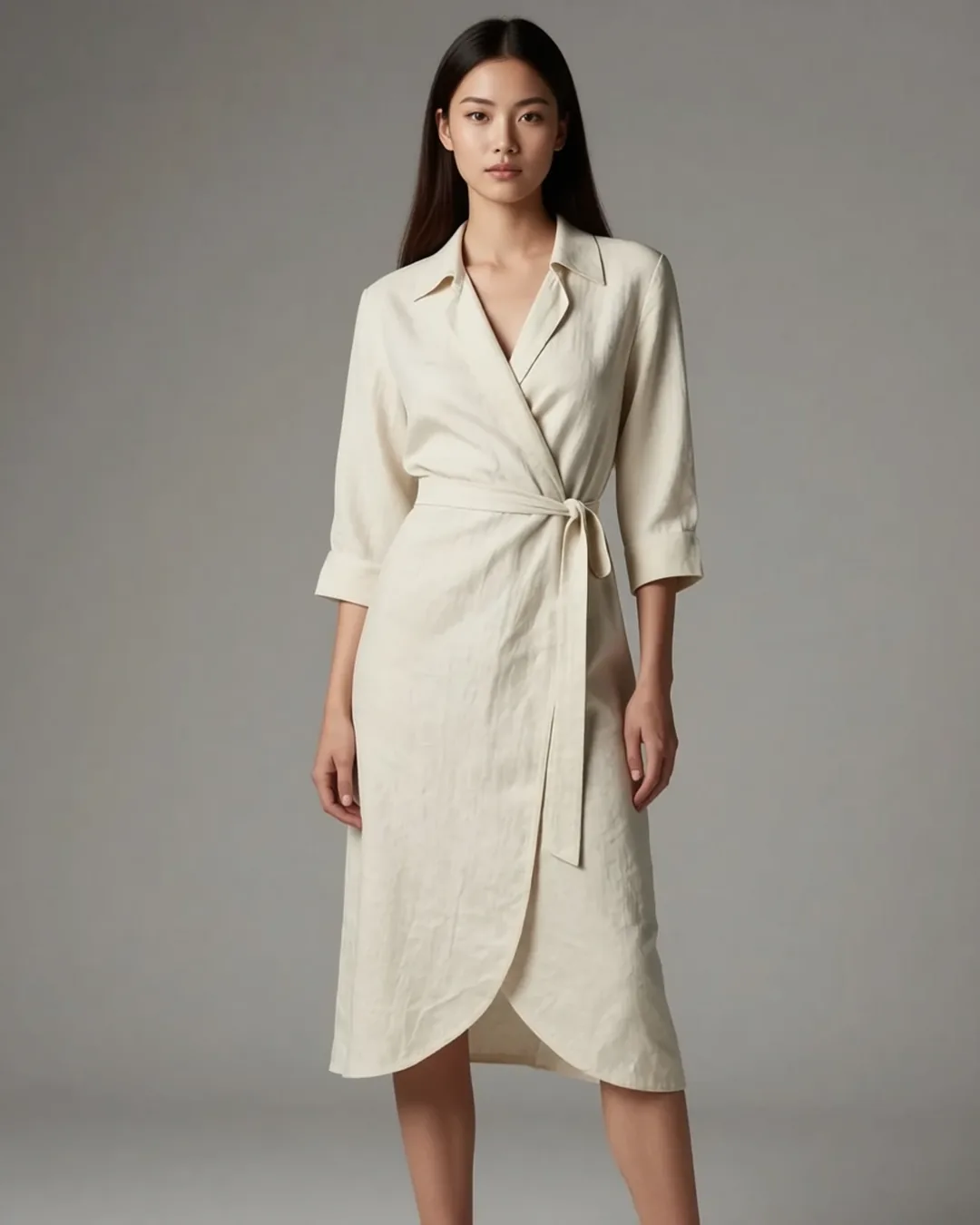
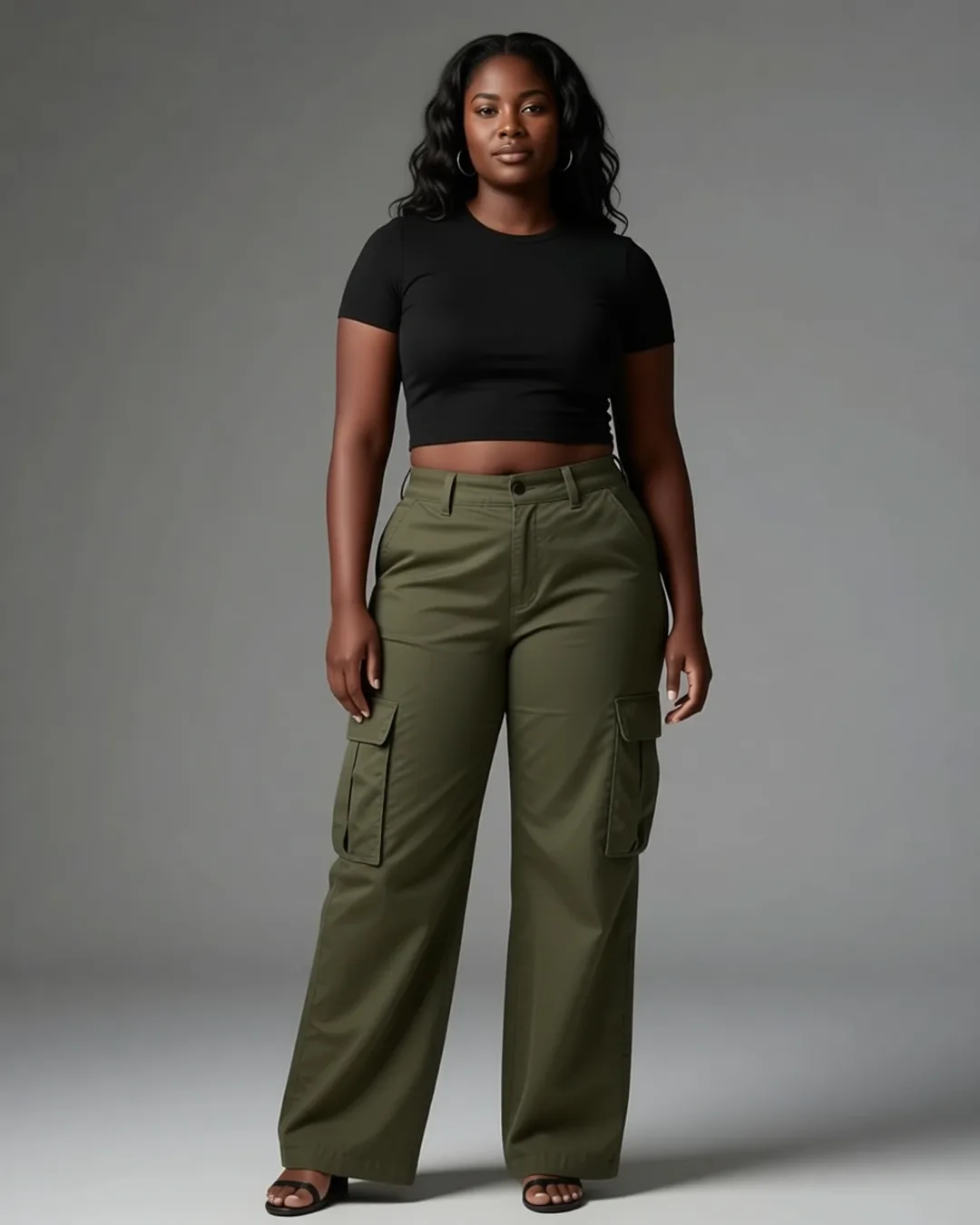
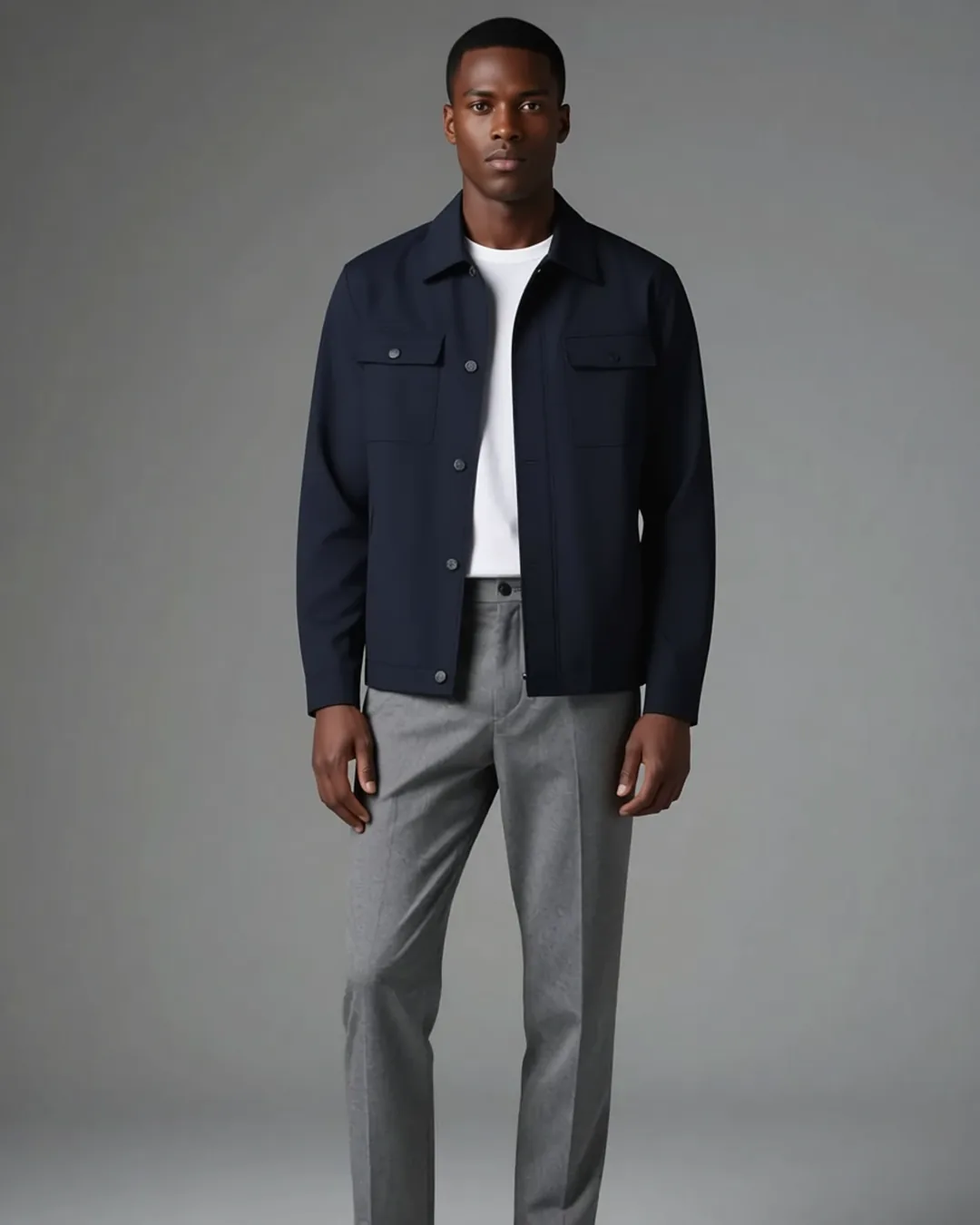
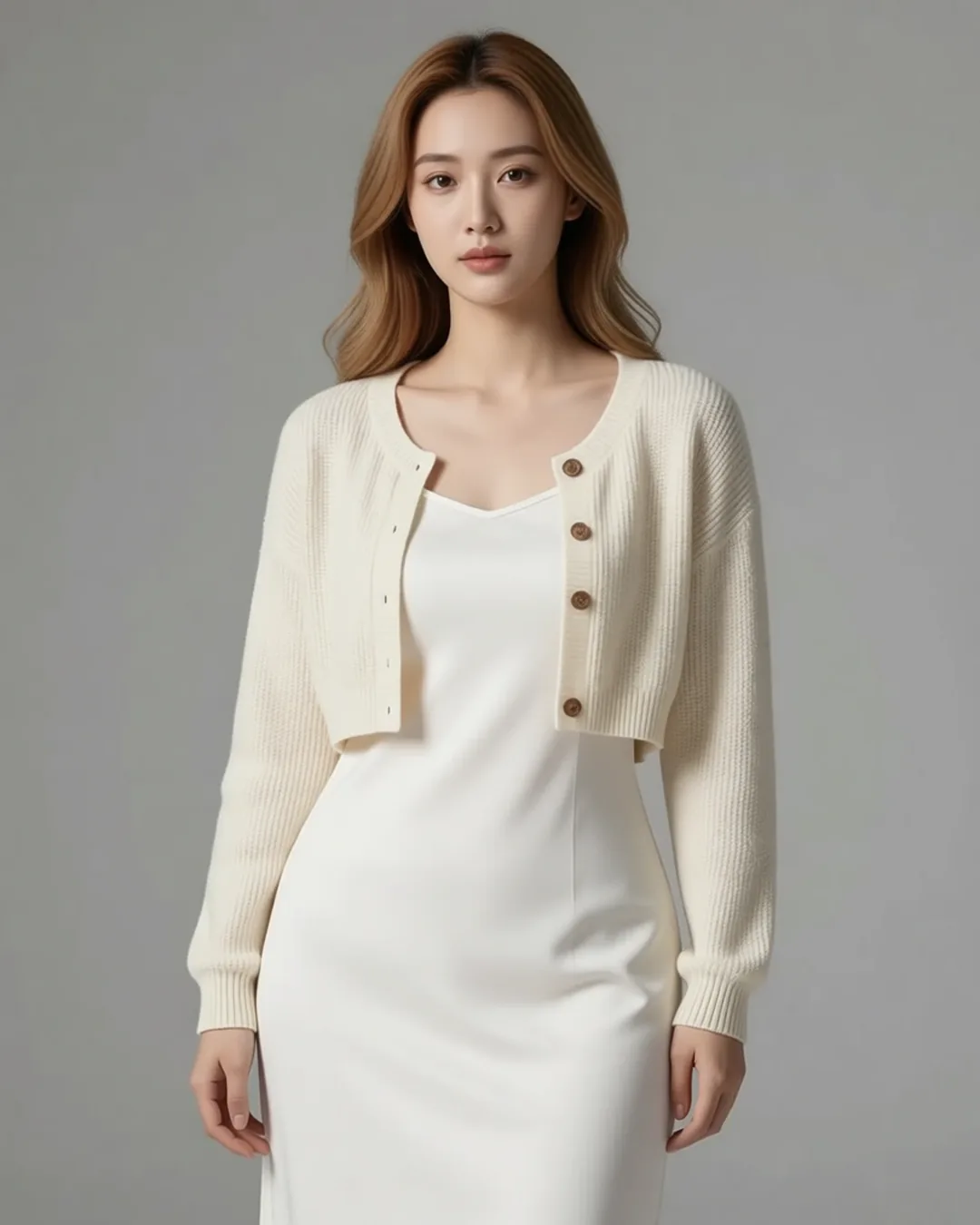 On your model
Find the Model Pool section on your Brand Kit page, then pick a model on any on-model run page.
How it works
-
Curate in your Brand Kit
Add models to your pool — copy a few from the shared starter pool, upload your own, or generate fresh ones. Each is saved with a name and attributes.
-
Pick one on the run page
Open any on-model preset and choose a model from your pool in the picker — no re-uploading a reference each time.
-
Generate on that model
Pixfino renders your product on the model you picked. Run it again for the next product and the face stays the same.
Why it helps
Consistent faces across shoots
Pick the same model for every product and your catalog looks like one coherent shoot, not a dozen unrelated ones.
Start from a shared starter pool
A curated operator pool of diverse models ships ready to use — copy any into your Brand Kit as your own snapshot in one click.
Your snapshots stay yours
Models you copy in are independent snapshots — later edits to the shared pool never change the ones you've saved.
Pick once, reuse everywhere
No hunting for the right reference each run — your pool travels with you across every on-model preset.
Questions
Where do the starter models come from?
A shared, operator-curated pool of diverse fashion models. You browse it from your Brand Kit and copy the ones you want into your own pool.
Do I have to use the shared pool?
No. You can upload your own model references or generate new ones — the shared pool is just a fast starting point.
Will the same model look consistent product to product?
Picking the same model reference on each run conditions the generation on that face, so results stay recognisably the same model.