Garment Pool
Your garments, one pick from a shoot
The Garment Pool keeps your products as reusable references in your Brand Kit. Pick a garment on any run and Pixfino renders it on a model — a full try-on shot without re-uploading the piece each time. Start from a shared starter pool, or add your own.
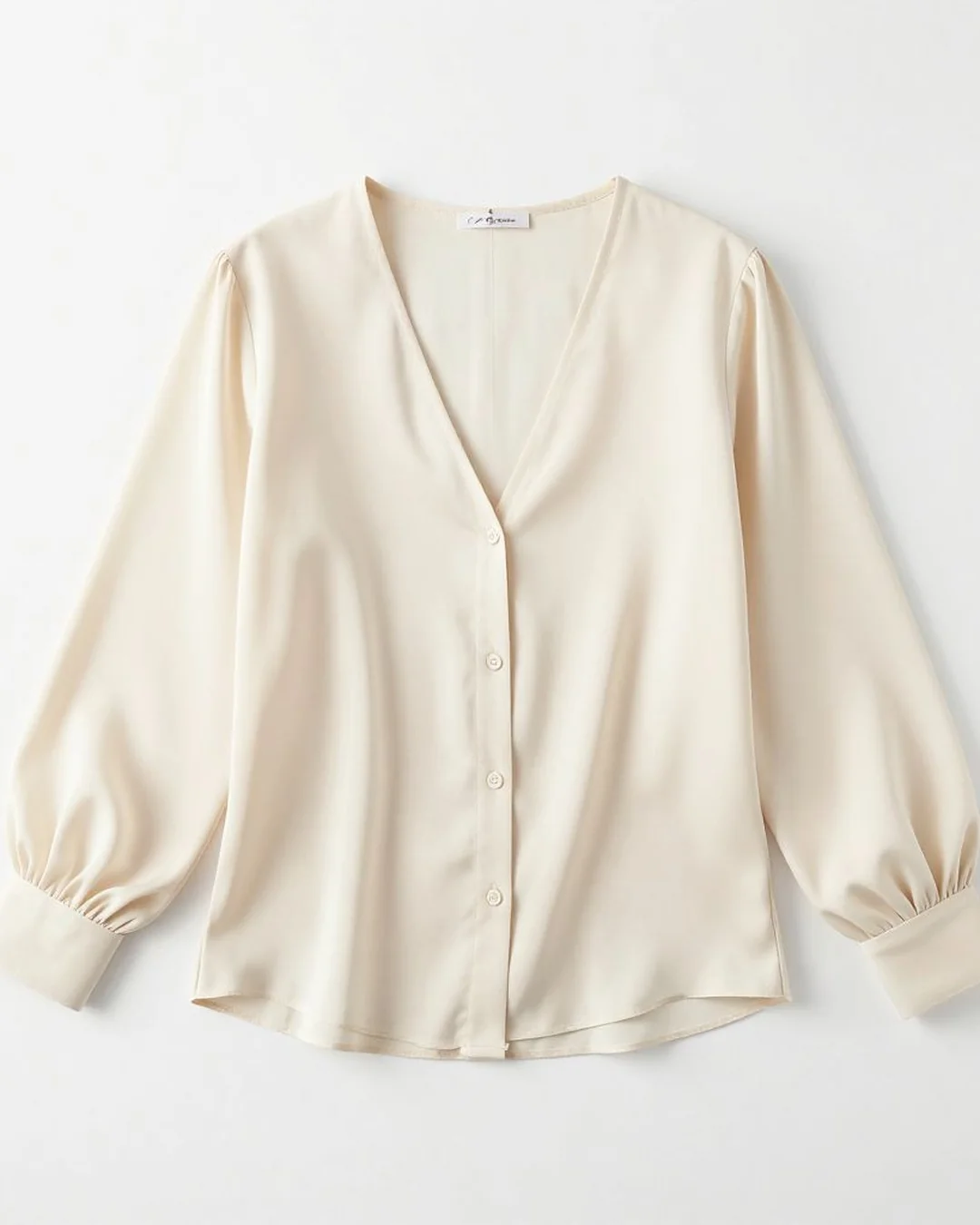
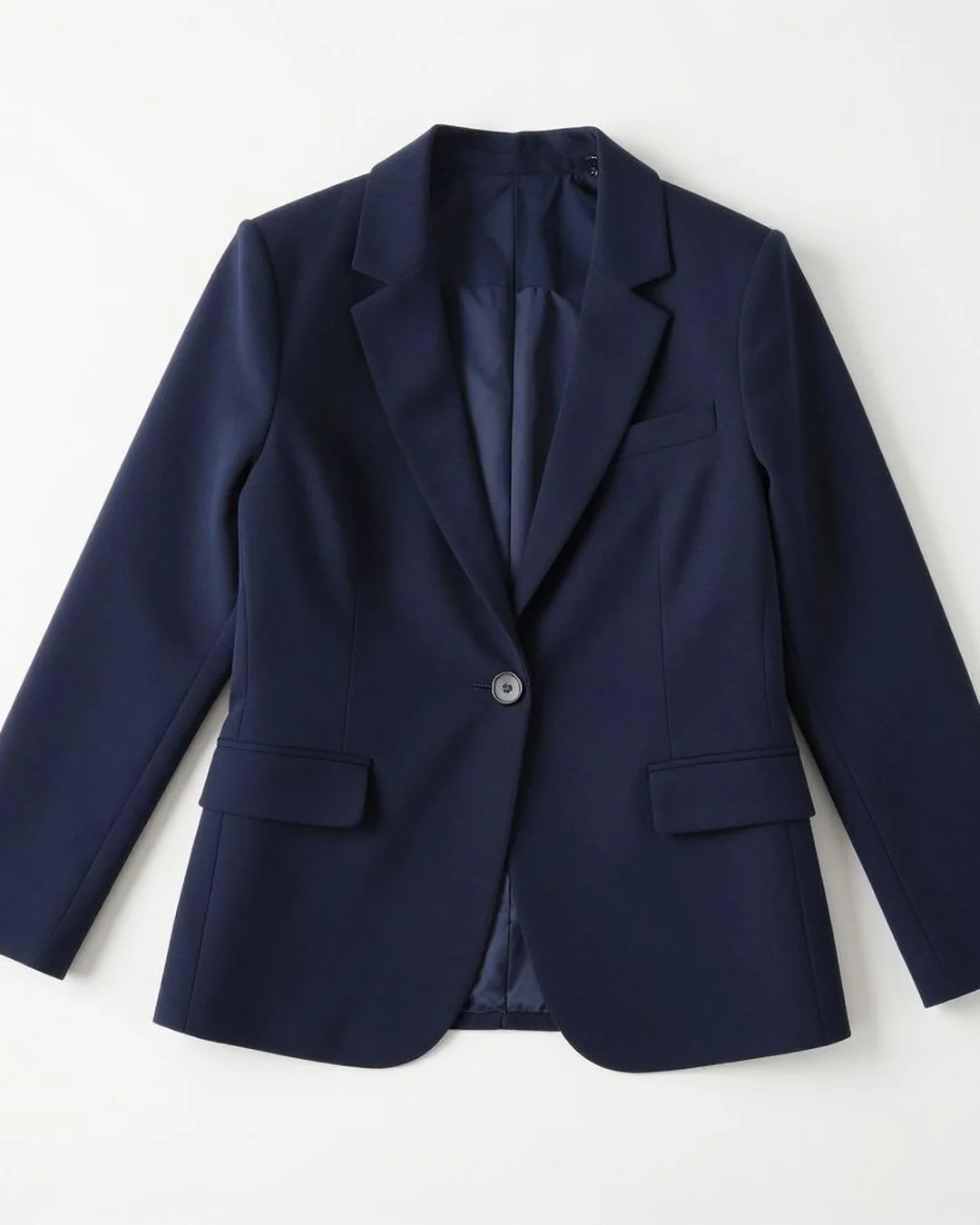
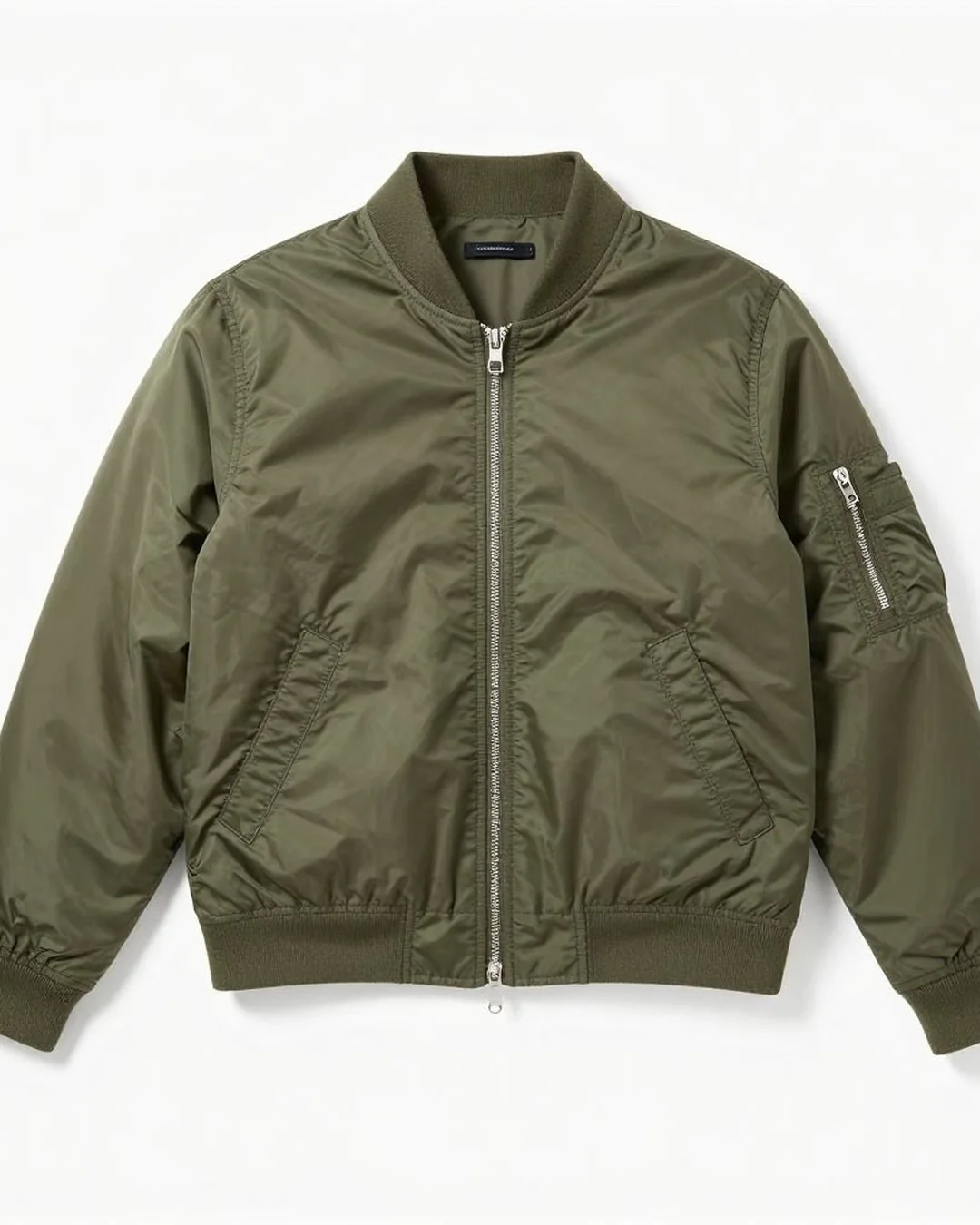
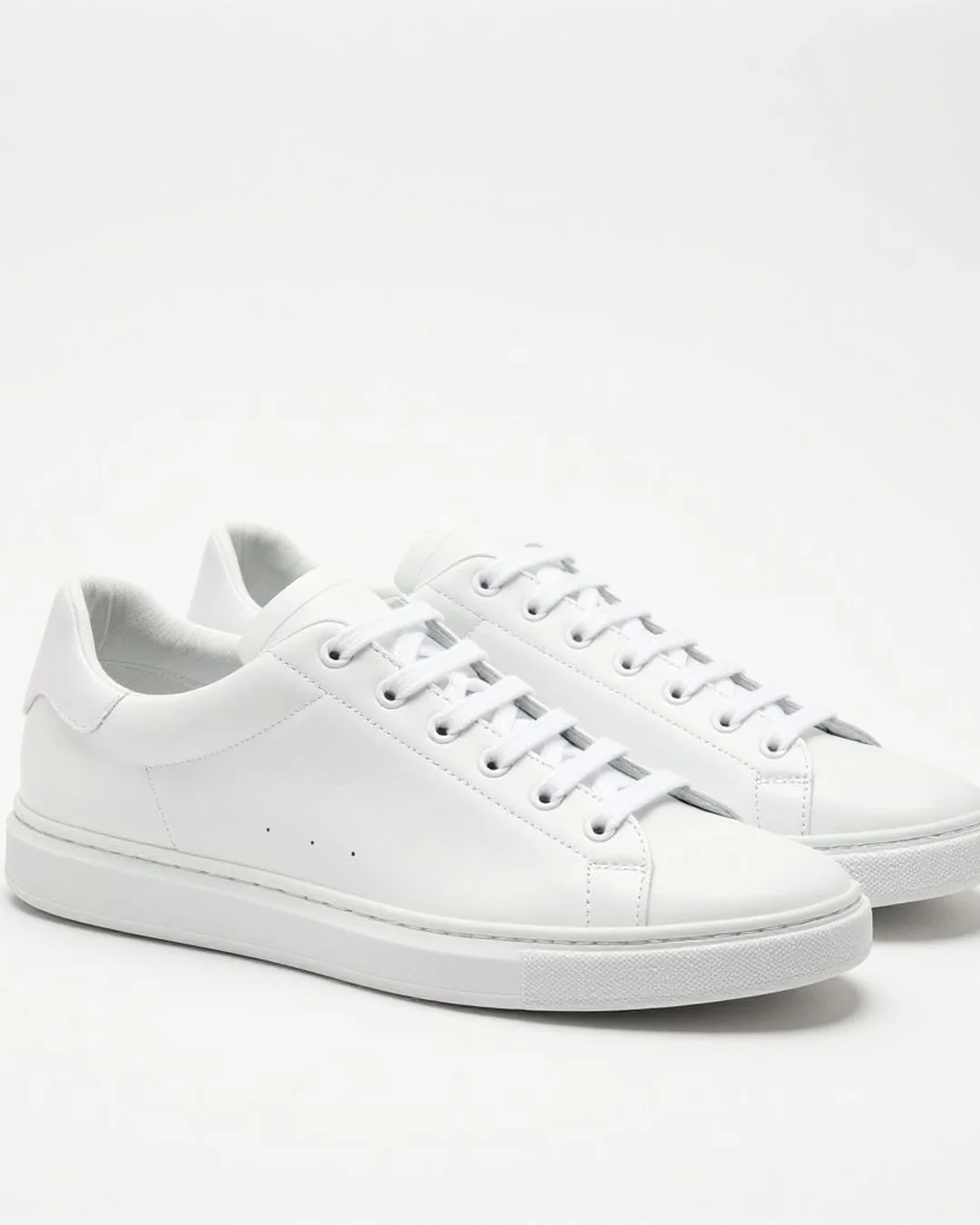
Pick from your garment pool
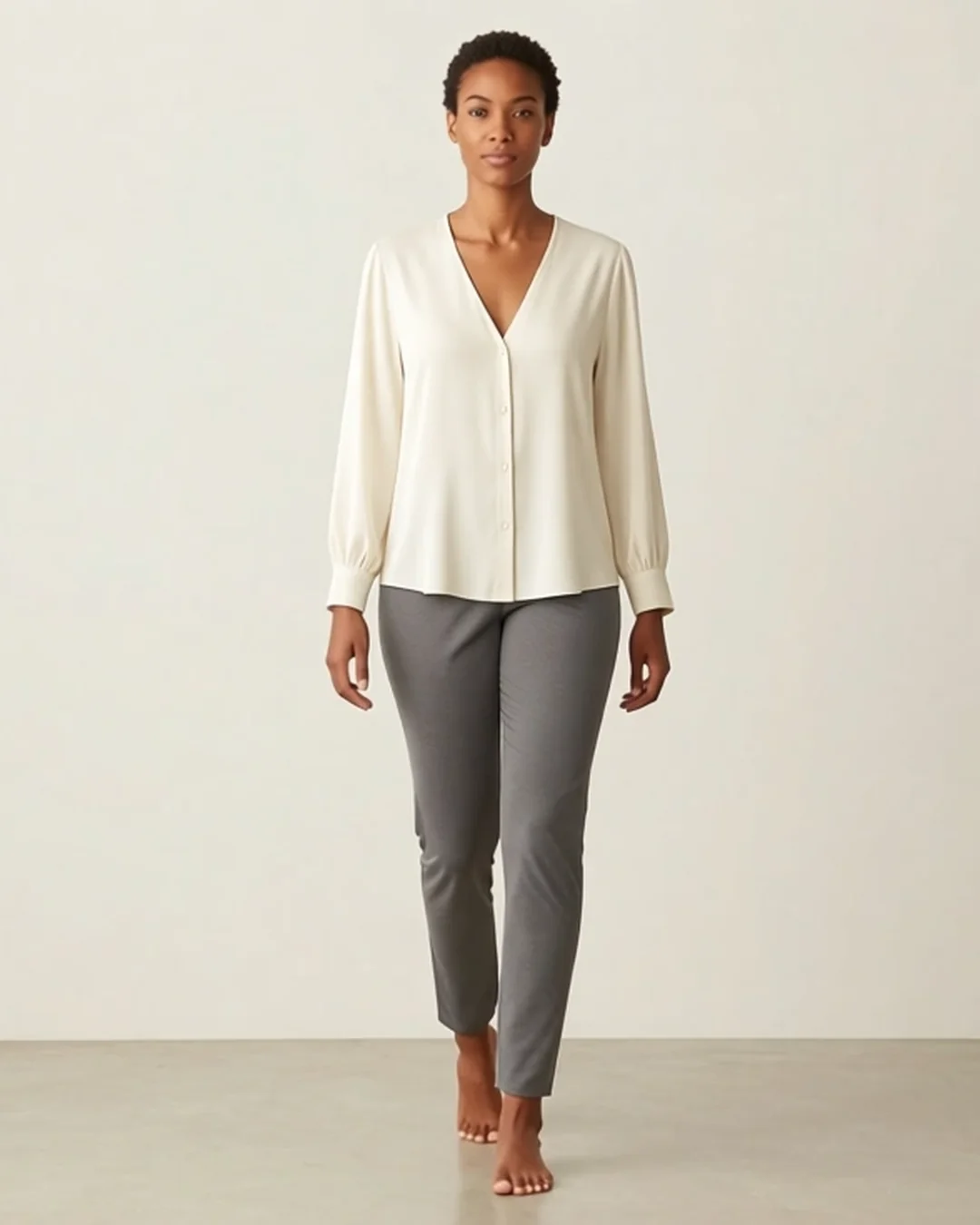
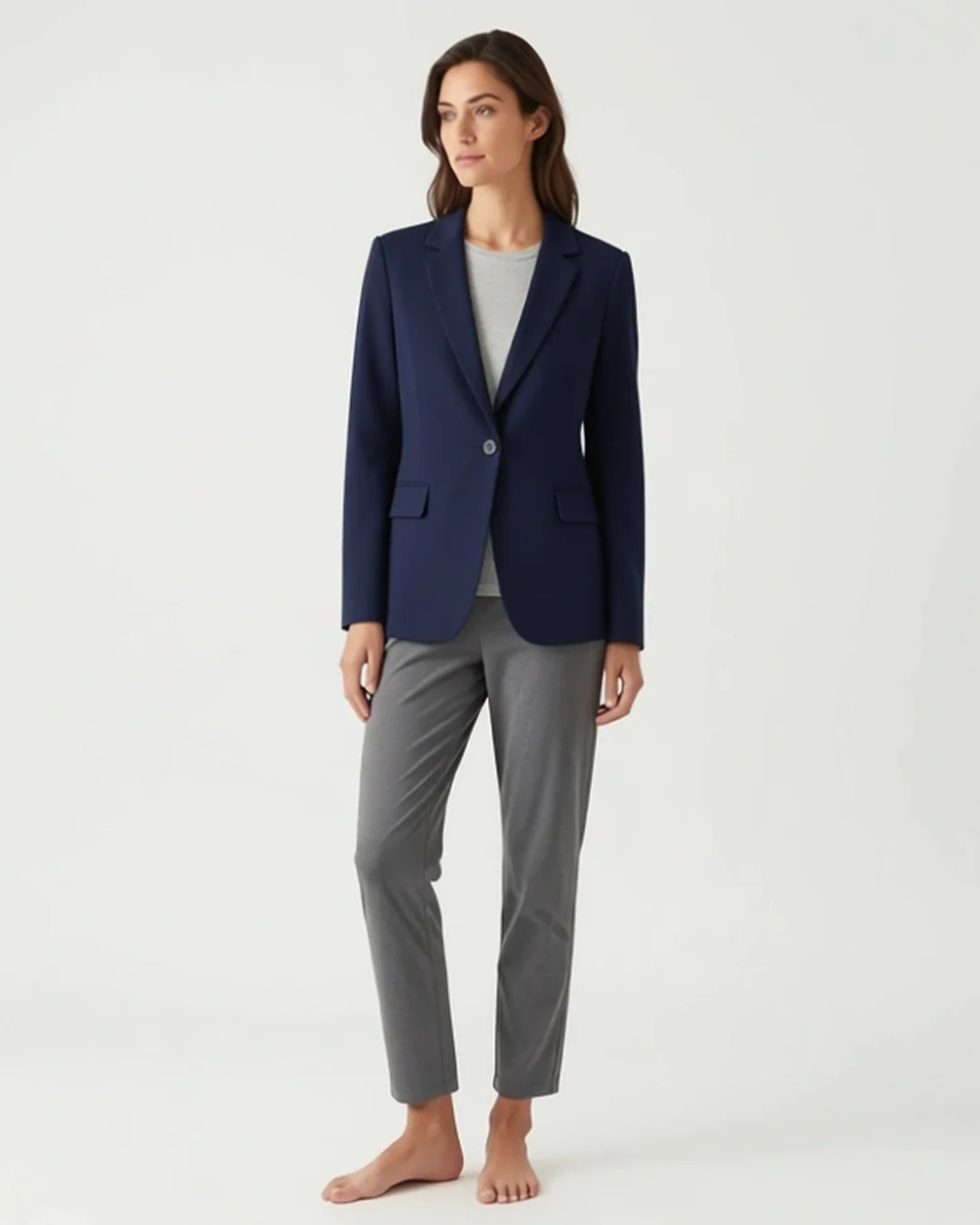
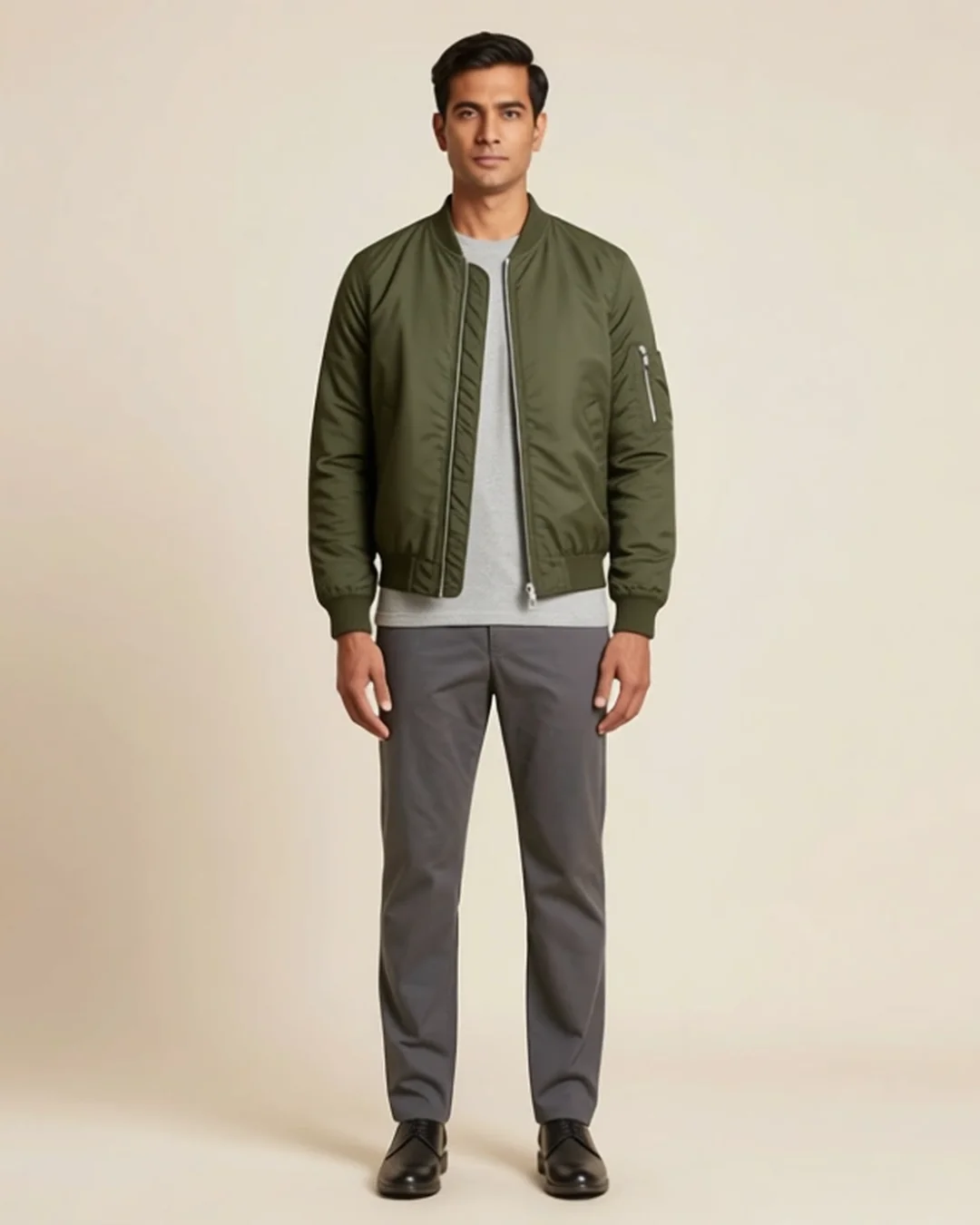
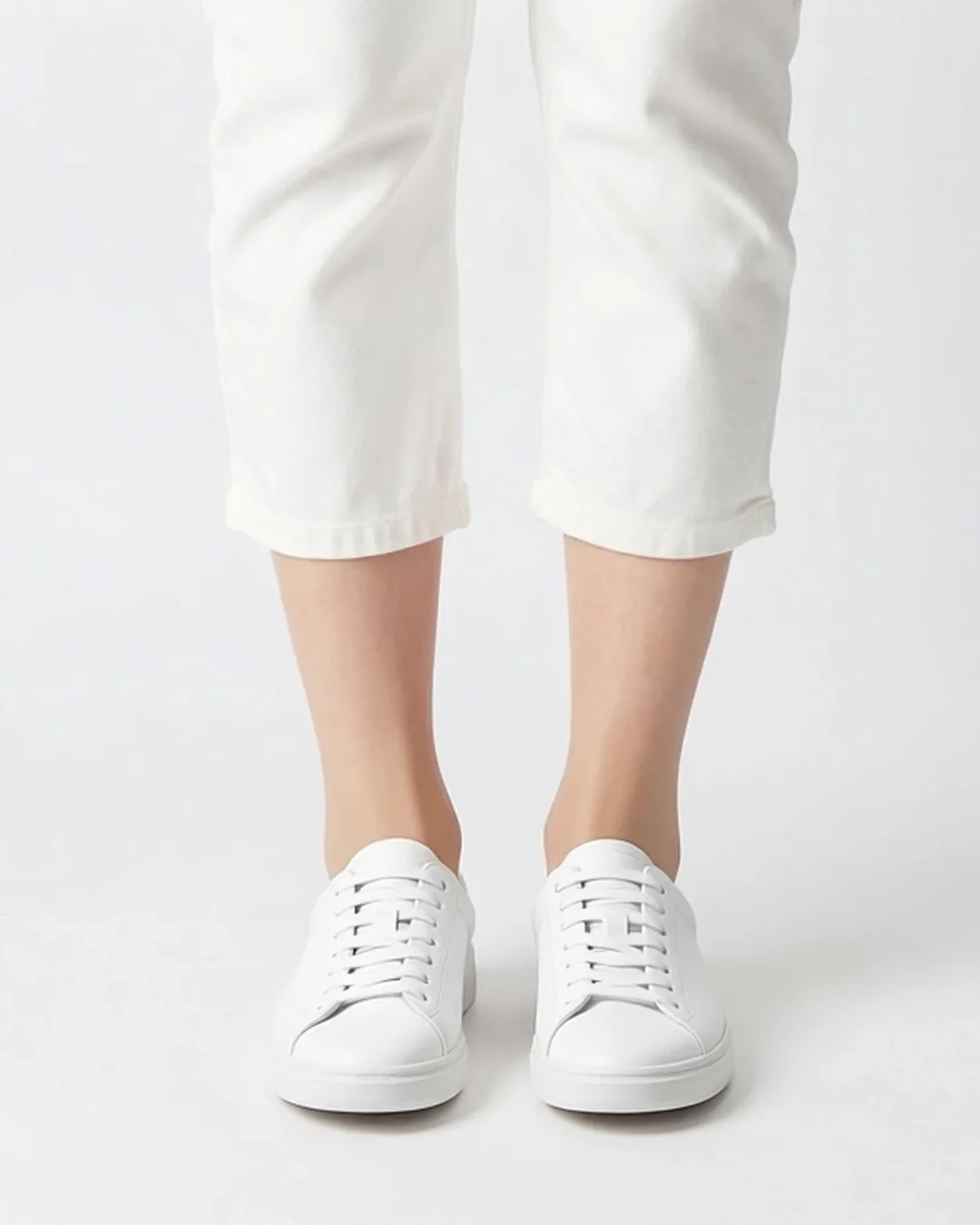 On a model
Find the Garment Pool section on your Brand Kit page, then pick a garment on any try-on run page.
How it works
-
Curate in your Brand Kit
Add garments to your pool — copy a few from the shared starter pool, or upload your own product shots. Each is saved with a name for quick picking.
-
Pick one on the run page
Open any try-on preset and choose a garment from your pool in the picker — no re-uploading the product each time.
-
Generate on a model
Pixfino renders the garment you picked on a model. Pair it with a Model Pool pick to control the face too.
Why it helps
Try-on without re-uploading
Your products live in the pool, so every run is a pick, not another file upload.
Start from a shared starter pool
A curated operator pool of sample garments ships ready to use — copy any into your Brand Kit as your own snapshot in one click.
Pairs with the Model Pool
Pick a garment and a model together and you control both halves of the shot — the same product on a consistent face.
Your snapshots stay yours
Garments you copy in are independent snapshots — later changes to the shared pool never touch the ones you've saved.
Questions
How is this different from uploading a product each run?
The pool saves your garments once so you pick from a gallery instead of re-uploading. It's the same reference, reused, run after run.
Do I have to use the shared pool?
No. You can upload your own garments — the shared starter pool is just a fast way to see the flow with real products.
Can I choose which model wears it?
Yes — combine a Garment Pool pick with a Model Pool pick on the run page to control both the product and the face.